
Give one newsletter idea a standalone story
A newsletter has context: the subject line, earlier paragraphs and a reader who chose to open it. A short video often meets someone who has seen none of that. Repurposing works better when you choose one takeaway and rebuild the opening around what that new viewer needs to know.
Start with a paragraph you own or have permission to adapt. Keep a link or attribution where it matters, and decide what the video should explain before changing the format.
1. Select a paragraph with one useful point
Look for a passage that answers a specific question, describes a process or explains a change. Avoid squeezing an entire edition, several news items and the closing promotion into one short narration.
The following is an authored newsletter paragraph for this guide, not a customer's publication:
This week I tried a quieter start to my workday. Before opening messages, I wrote down one task, closed unrelated tabs and set a short timer. The point was not to fill every minute. It was to notice what helped me begin, then adjust the routine the next day.
The main idea is “make starting easier with one small routine.” The phrase “this week I tried” is personal context, so the video should preserve that framing or clearly introduce the passage as an example. It should not turn it into a universal productivity promise.
2. Write an opening that supplies the missing context
Newsletter phrases such as “as I mentioned above” or “the third link below” will not make sense in a standalone video. Replace them with the actual subject. Keep the part that makes the example useful.
A possible narration draft is:
Here is one small experiment for a quieter start to work.
Before opening messages, write down one task.
Close the tabs you do not need, and set a short timer.
The goal is to notice what helps you begin.
Adjust the routine to fit your day.
This is a suggested adaptation of the example. Read it back against the source and check that a personal observation has not become a guaranteed result. A generated script is still a draft for you to approve.
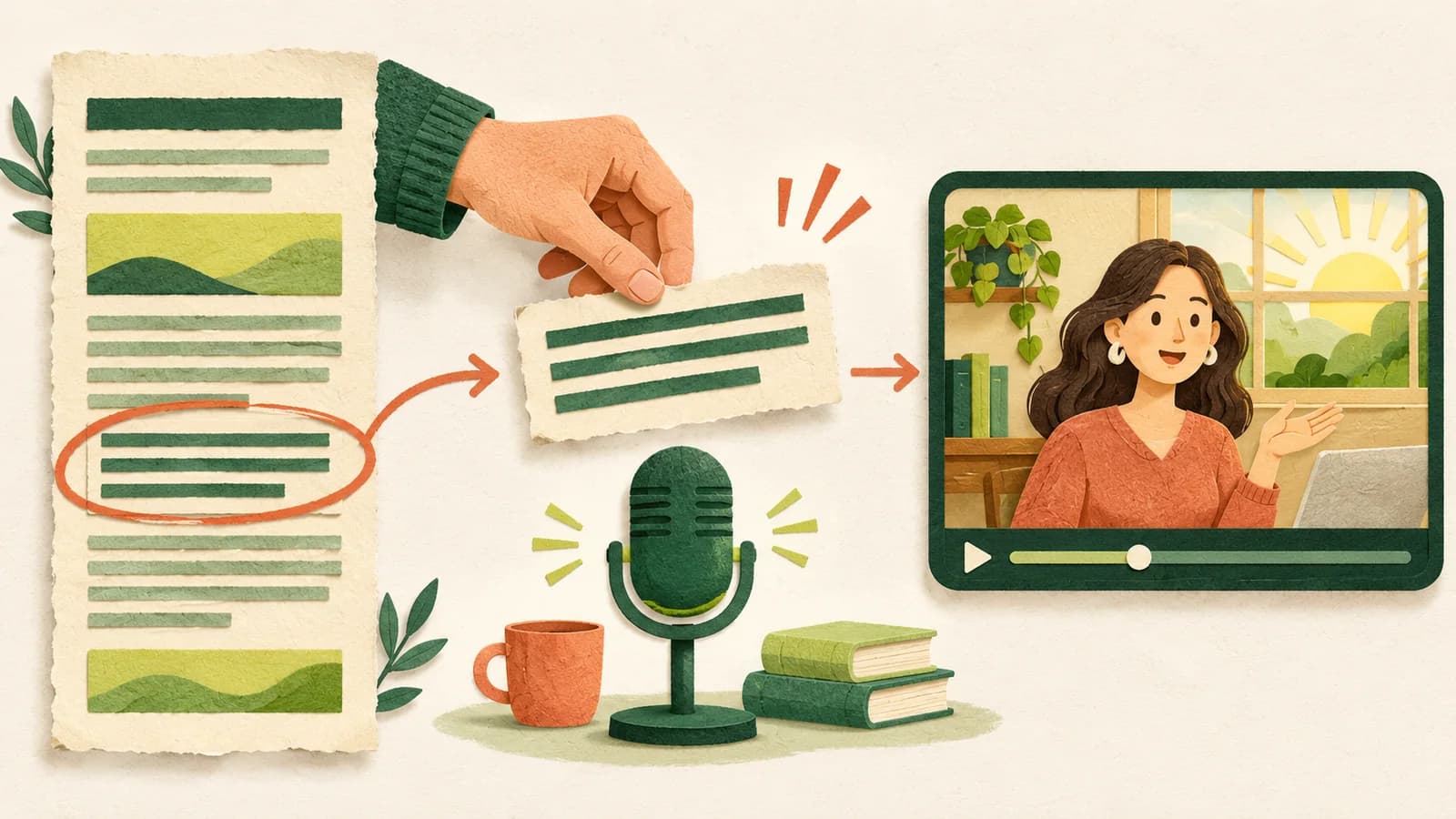
3. Bring the text into Speevid
Start a video and paste the selected paragraph into the source field. Add the author or source link if appropriate. The link is attribution; it does not import a newsletter automatically. A title is optional and can be suggested with the English script.
Choose a target length, generate the narration script, then edit it. The target guides the writing. The exported running time follows the voice recording, so adjust the script if you need a shorter or longer explanation.
If your newsletter edition contains several independent takeaways, keep the remaining ideas for separate videos. You can create another project for the next idea; this guide does not describe an automatic batch-conversion feature.
4. Make the wording comfortable to hear
Choose a presenter and listen to the available voice samples. Then generate the narration and watch the preview with sound. Think about what a person hears once, rather than what a reader can reread.
- Introduce a person, company or acronym before relying on it.
- Keep numbers with their units and necessary qualifications.
- Avoid a long list of links or references in the spoken script.
- Keep useful attribution without reading out a full tracking URL.
When you change spoken words or switch the narrator voice, generate the narration again. Presenter appearance is selected separately from the voice. You can find the exact workflow in the voice and preview guide.
5. Choose a visual rhythm
Use the structure of the idea to choose the picture. A routine can become an ordered diagram; a set of related ideas can become connections; a concrete setting may benefit from a concept illustration. A number deserves emphasis only when it is actually in the source.
You can watch a complete product introduction to see how an illustrated presenter, short text and captions share the frame. That video is Speevid's own product demonstration, not a newsletter conversion or a customer outcome. The focused-work example shows a different mix of visuals around one practical idea.
Single-scene illustrations are available only when enabled on the deployment. They are optional: a clear graphic layout can explain the paragraph without an image. If you do use an image, review the candidate and save the scene explicitly.
6. Publish deliberately and learn from the result
Export the MP4 and review the entire downloaded file. Upload it through your own social publishing workflow, inspect the platform's framing and add the appropriate caption or source credit. Speevid does not automatically post to your accounts or guarantee reach.
Keep a simple note about the result: which paragraph you used, what you changed, whether you published, and whether you wanted to make another video. This is more useful than making many videos before checking the first one.
For the next edition, repeat the workflow with another clear idea. A small repeatable process is easier to judge than a large publishing plan built around assumptions.
Start with one newsletter paragraph, or read the article-to-video walkthrough for a complete source-to-export example.